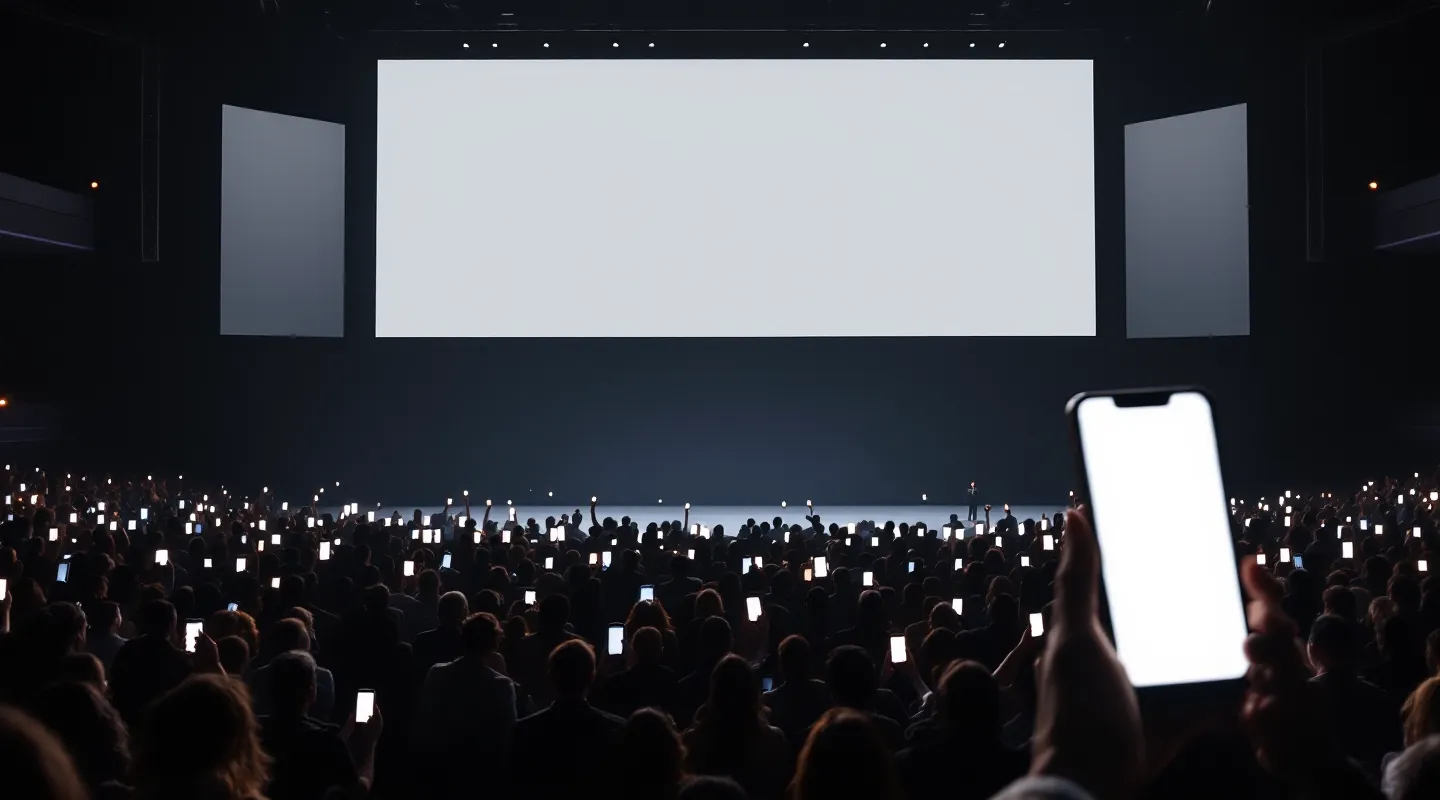
Phones up.
The room plays.
Live polls, quizzes, team races and photo walls on the big screen — played from every phone in the room. No app: scan the QR and you are in.
Try it: tap on the phone. The rest of the room is simulated.
Where should the next launch be?
Vote on your phone
- AIstanbul36%
- BIzmir26%
- CAnkara22%
- DAntalya17%
Join the show
GATE42gate.omnimotion.appNo app · no sign-upWhere should the next launch be?
Tap to vote
Where should the next launch be?
Tap to vote
No app
Scan the QR, tap, play. Nothing to install, no account — even for 2,000 people at once.
QR · browserWorks without internet
One Windows computer and a Wi-Fi router are a complete system. With internet, phones use their own data.
Local or onlineThe show never stops
If the computer restarts, the event continues where it left off. Phones reconnect by themselves.
Event logYour design
Agencies bring their own phone pages and big-screen scenes; we run the room.
SDK · OmniMotion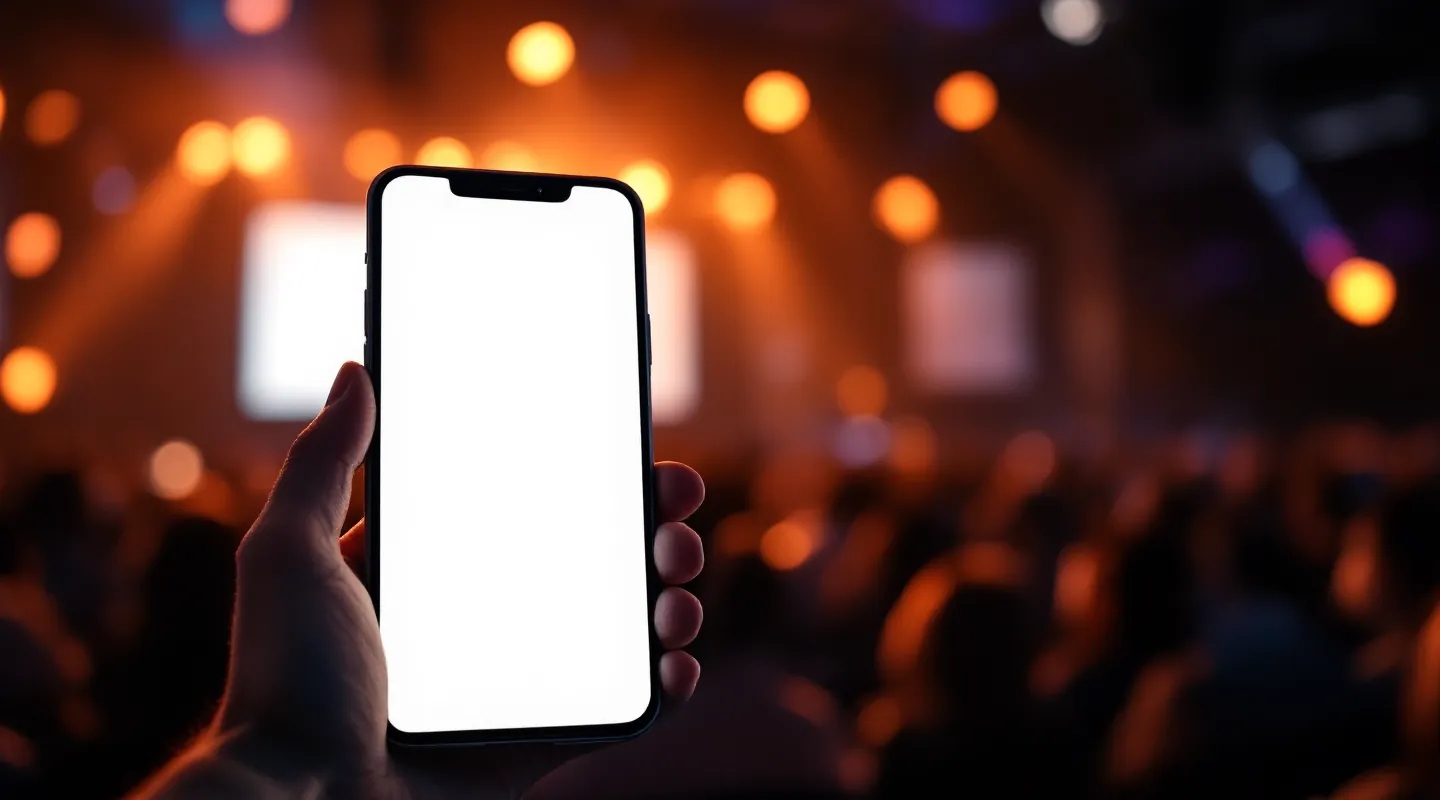
You’re in!
The first question opens in a moment.
Where should the next launch be?
IstanbulIzmirAnkaraAntalyaVote received — you can change it.
Camera up. You’re in.
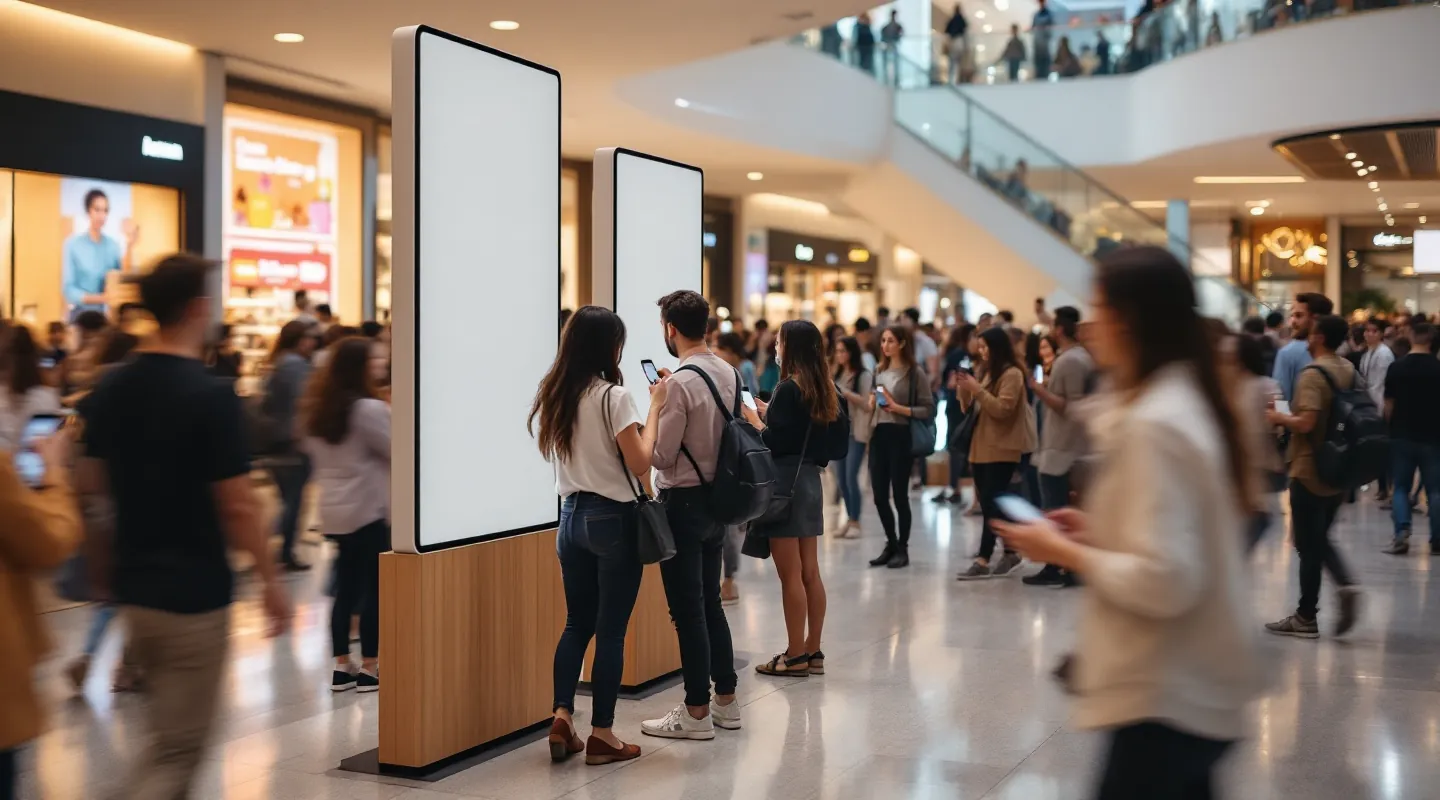
Guests point the phone camera at the QR on the screen and land straight in the event — in the browser, with no install, no account, no password.
- 1Scan the QR with the camera
- 2The event opens in the browser
- 3Vote, play, send — live on the screen
Three steps to showtime.
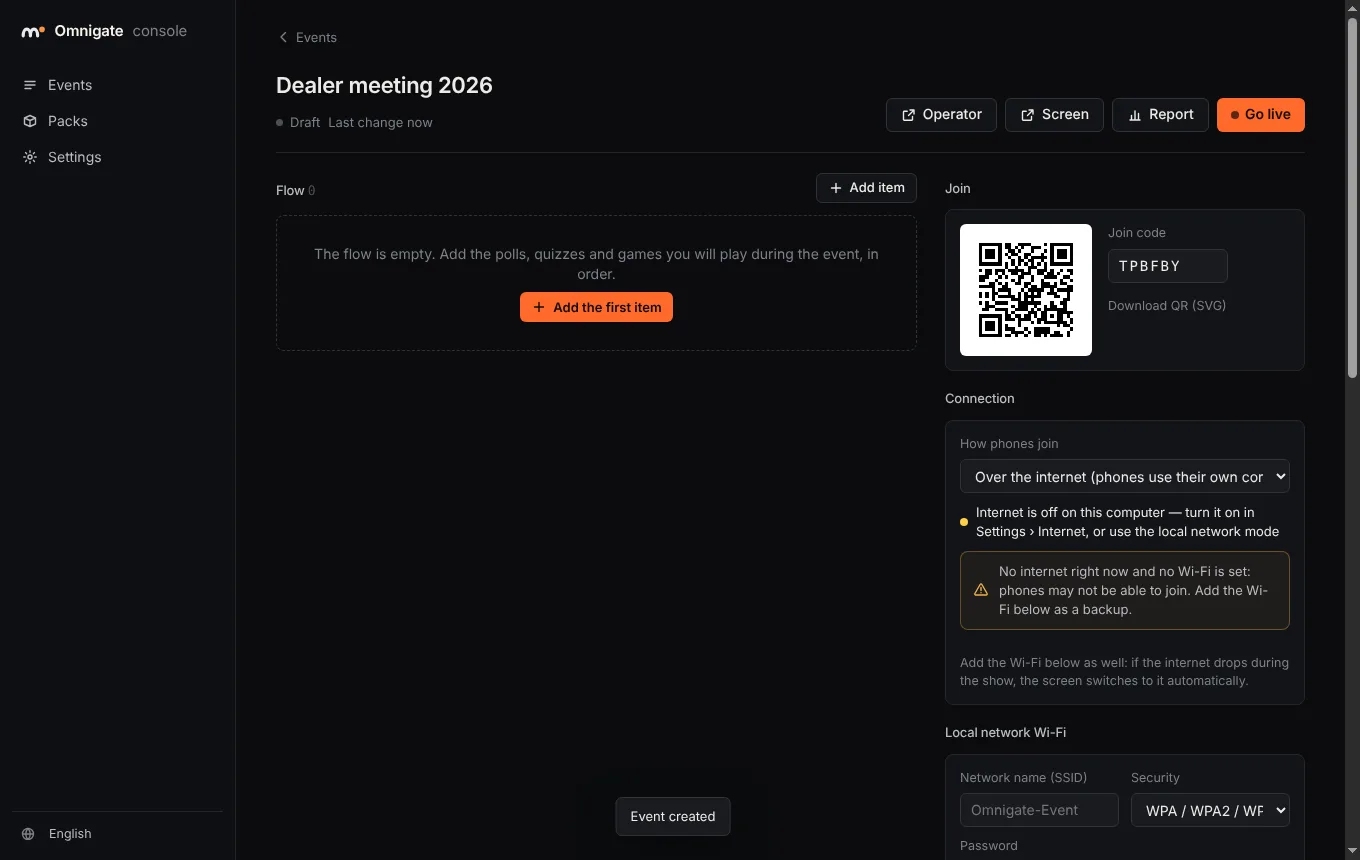
Prepare once in the console, put the QR on the screen, run the show from the operator screen.
- 1
Prepare
Build the flow in the console: polls, quizzes, races, word clouds, photo walls. Your colours, your language.
- 2
Scan
Phones scan the QR and join in seconds — over the internet or the venue Wi-Fi. No app, no sign-up.
- 3
Run
Open, close and reveal from the operator screen. The big screen follows, on every display you connect.
Made for a crowd.
Ready-made experiences you fill in, in your words. Every one works on any phone and on the big screen.
- 01Live pollVotes fly onto the screen as bars; reveal the winner when you want.vote
- 02QuizTimed questions, points for speed, a live leaderboard and a podium.answer · score
- 03Team raceEveryone taps for their team; the cars race across the screen.tap
- 04Word cloudOne word each — the cloud grows live, the operator hides what does not belong.text
- 05Photo wall & selfie framePhotos and drawings from the room, approved before they appear.photo · draw
- +Your own experienceAn avatar maker, a selfie booth, a game: agencies build it as a pack.see how →
For every stage.
Same app, same phones. Only the room and the flow change.
Reveal the name with the room, let them vote the colour.
Which colour should it launch in?
196 votes

- 1North1,240
- 2West1,185
- 3Central1,160
- 4South1,090
- 5East1,010
One word for this talk?
Which one should we make?
Every vote gets a sample at the stand.
Which side is louder?
Online or offline.
Choose per event. If the internet drops in the middle of a show, the screen switches to the Wi-Fi steps by itself.
Phones use their own data.
Your computer stays at the venue; a secure tunnel opens it to the internet. Guests scan and join — no Wi-Fi step, no password.
- Your own address, e.g. join.youragency.com
- Operator can run from a tablet on 4G
- The console stays closed to the internet
No internet at the venue? No problem.
Bring a Wi-Fi router. The screen shows two codes side by side: 1 · connect to the Wi-Fi, 2 · join the event.
- Nothing leaves the room
- Tested with 2,000 phones on one computer
- Automatic fallback from online mode
Your design. Our engine.
Build any experience you imagine as a pack: your phone page in HTML, your big-screen scene in HTML or OmniMotion. Connection, reconnects, limits, moderation, reports and offline mode stay with us.
<!-- your phone page, inside the pack -->
<script src="/sdk/phone.js"></script>
<script>
  omnigate.on('view', (v) => draw(v));          // what this phone should show
  pick.onclick = () => omnigate.send({ color: 'lime' });
  omnigate.upload(selfie);                       // photos: approved before they show
</script>
Packs are uploaded in the console, versioned, and pinned when an event goes live.
Phone pages
- Any HTML, CSS and JavaScript
- Your data shape, checked by the server
- Photos, drawings, haptics
Screen scenes
- HTML or OmniMotion (2D, 3D, data)
- Side screens and LED walls
- A built-in view if a scene fails
Safe by design
- Runs sandboxed, no outside calls
- Rate limits and moderation built in
- Reports in the same format
Big-screen scenes can be designed in OmniMotion Studio: 2D, 3D, interaction and live data in one file.
Explore OmniMotionPay per event.
Free for small rooms. For larger events, a license per event or a yearly plan for agencies. During the pilot period we quote every event.
Free
- Up to 50 participants per event
- Every experience, online and offline
- Rehearsals with up to 25 phones
- A small "free version" mark on the screen
Per event Most events
- One license per event, valid for 72 hours
- No mark on the screen
- Free rehearsals before the show
- Never stops the show: if more people come, everyone gets in
Agency
- Everything in Per event
- Your own packs and SDK
- White label: your brand only (add-on)
- Priority support at your events
Prices exclude VAT. Enterprise: on your own servers, in your country, with an API for your systems — talk to us.
- Runs on your computerEvents, votes and photos stay on it
- Works offlineNo internet needed at the venue
- Separate keysConsole, operator and screen each have their own
- Every event loggedRestart any time; reports come from the log
- KVKK and GDPRPhotos need consent and are deleted after the event
Do guests need an app?
No. They scan the QR with the phone camera and play in the browser — iPhone and Android, no sign-up.
How many people can join?
One computer runs 2,000 phones: we tested 2,000 simulated phones on a 2-core machine with answers confirmed in about 0.2 seconds. Larger events run on stronger hardware or in the cloud.
What do I need at the venue?
A Windows 10 or 11 computer and a screen or projector. Without internet, a Wi-Fi router. With internet, nothing else.
What if the computer restarts?
Omnigate restarts its server by itself and the event continues where it left off: votes, scores and teams come back, phones reconnect.
What does the free version include?
Everything, for up to 50 participants per event, with a small "free version" mark on the screen. Rehearsals take up to 25 phones.
Can it use our brand?
Every event takes your colours and language. On the agency plan the screen and phones can show your brand only.
Bring it to
your next event.
Download the free version and try it with your team today — or tell us about your event and we will run a pilot together.
Download free →Request a pilot
Thanks — we will get back to you within one working day.